Choose a Stage device
Use an iPhone, iPad or Mac as the visible Stage Timer display for presenters, crew or operators.

Built for live productions
CueTrack Live gives event teams a clear stage timer, remote control, cue alerts and operator messaging across iPhone, iPad and Mac.
Workflow
Set up timing around the devices your team already uses, then run the show from the place that makes operational sense.
Use an iPhone, iPad or Mac as the visible Stage Timer display for presenters, crew or operators.
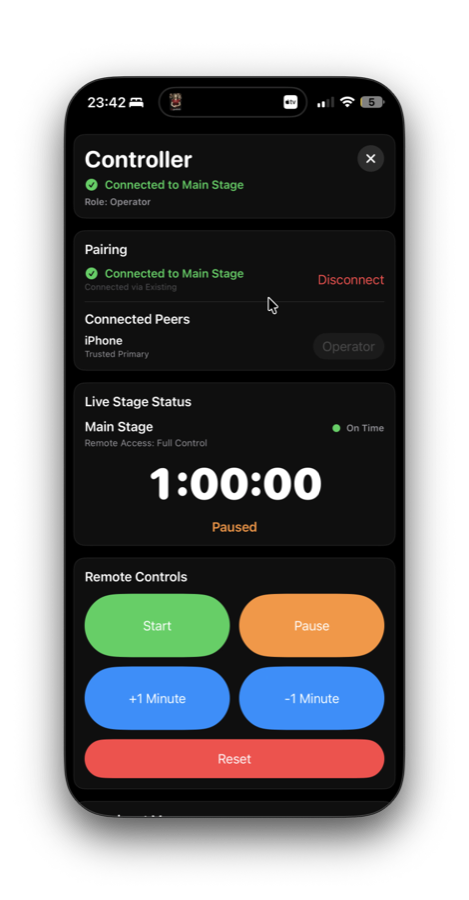
Pair another device over the same Wi-Fi or local network to control timing from production, stage management or show calling.
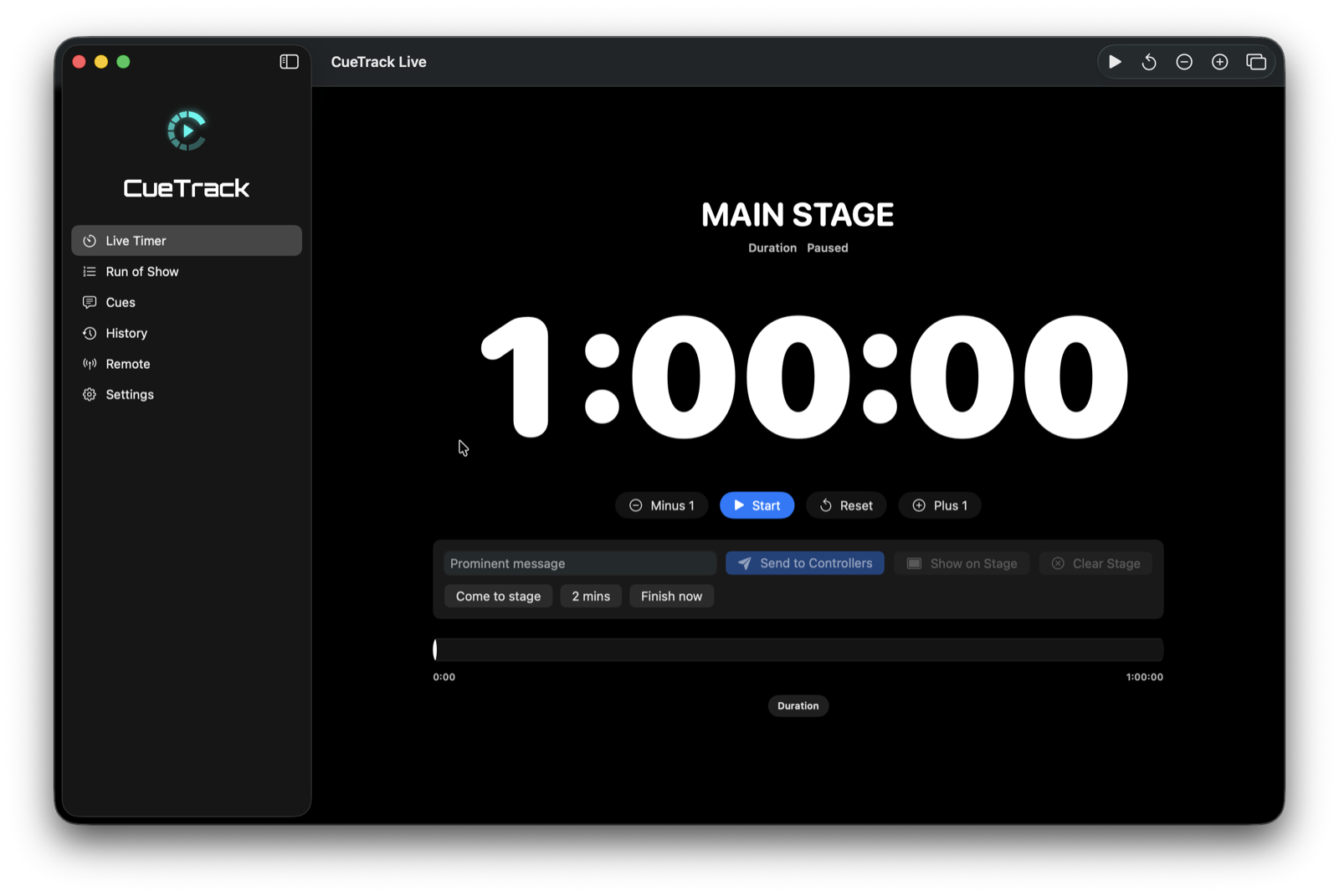
Start, pause, reset, add or subtract minutes, send prominent messages, and keep timing states visible.
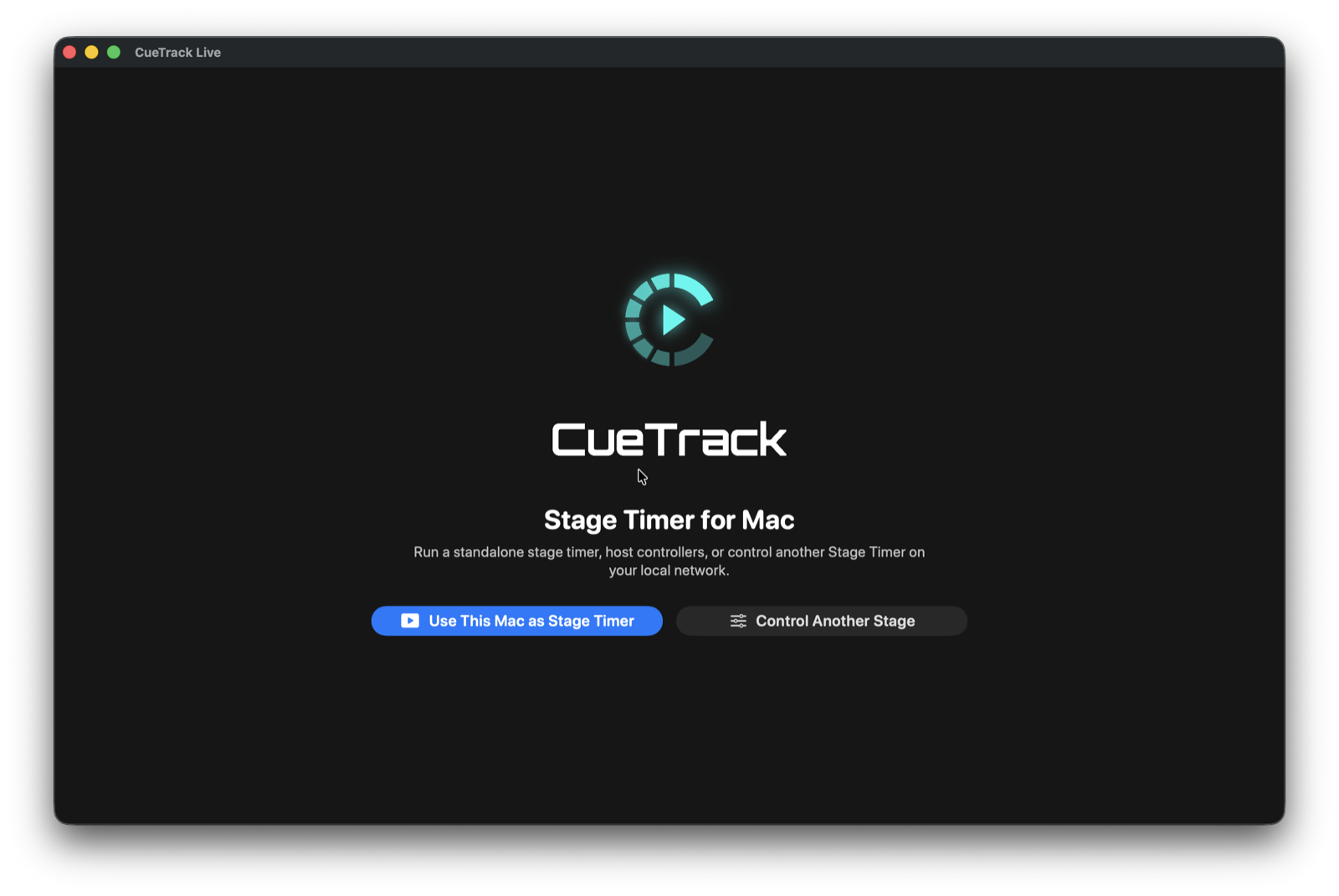
Use the Mac fullscreen output window for external displays, projectors and production monitor feeds.
Features
Clear controls, clear display states, and local operation for environments where reliable timing matters.
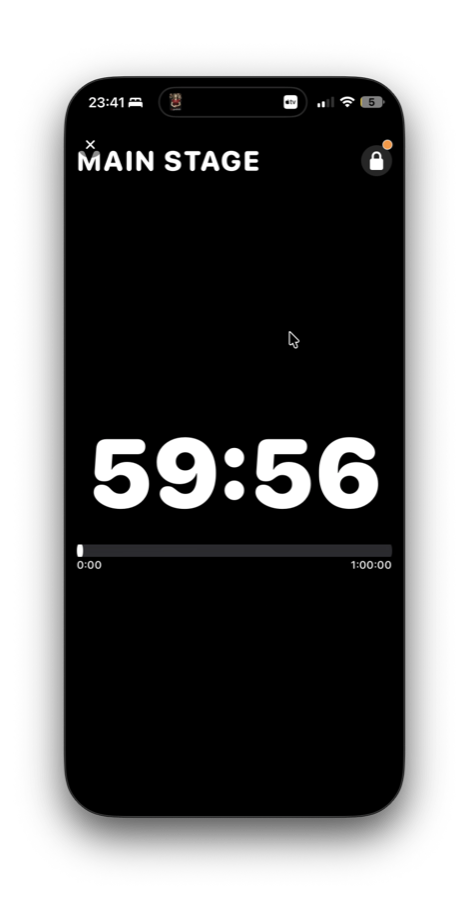
Large, readable countdown and finish-time views with warning and critical timing states.
Start, pause, reset, and add or subtract one minute from another device on the local network.
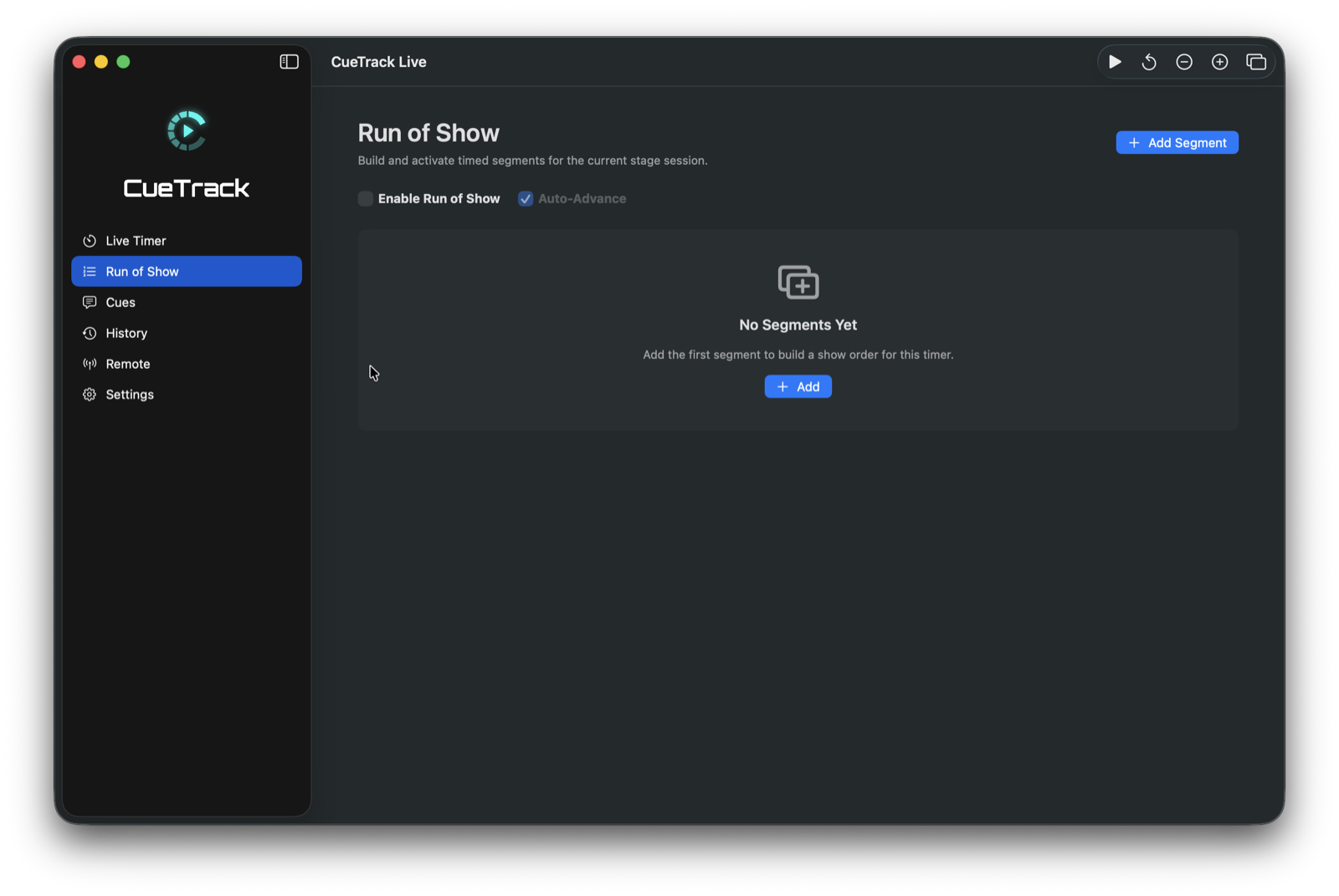
Prepare segments for conferences, panels, award ceremonies, rehearsals and show flows.
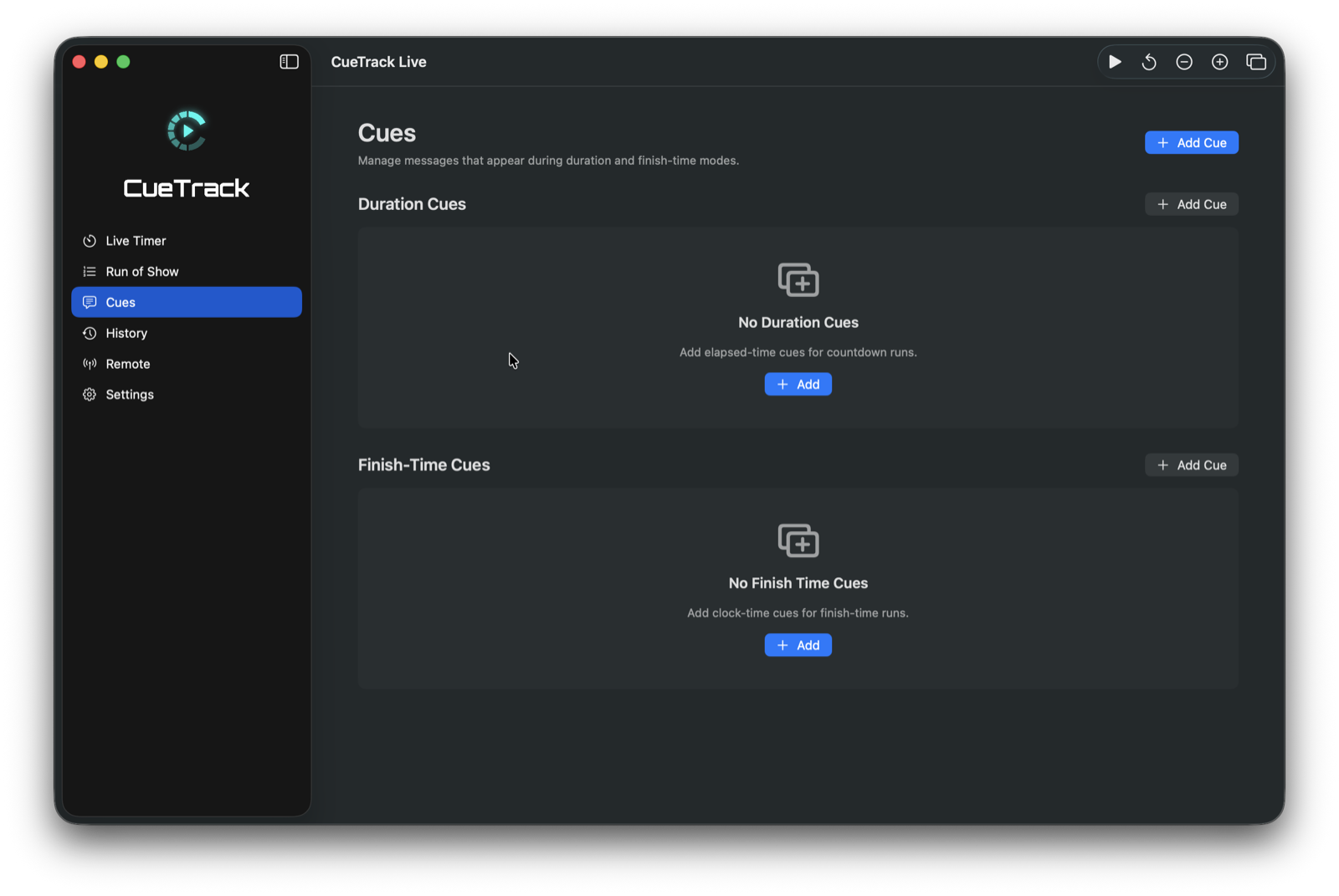
Send cue alerts that make the next production moment visible without crowding the timer.
Send prominent stage-to-controller and controller-to-stage messages with auto-dismiss behaviour.
Run a fullscreen output suitable for external displays, projectors and broadcast-style setups.
Keep a practical log of timing sessions for post-show review and production notes.
Live control is designed around local connectivity, with no internet required for timer operation.
iPhone and iPad
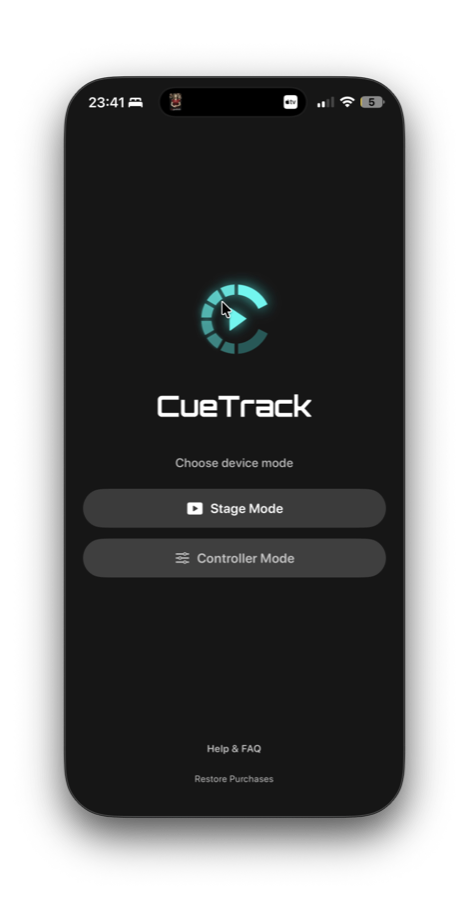
Use a mobile device as the stage display, or keep it in hand as the remote controller. CueTrack Live keeps common live-event actions close: start, pause, reset, minute adjustments, messages and cue alerts.
Mac workflow
On Mac, CueTrack Live can operate as a standalone stage timer, control another stage, and provide a fullscreen output window for monitor, projector or display routing.
Screenshots
Actual supplied screenshots from the current CueTrack Live builds.
App Store
Download CueTrack Live for iPhone, iPad and Apple Watch, with a dedicated Mac version for production desks and external displays.
Support
Keep devices on the same Wi-Fi or local network, choose the Stage device first, then connect the Controller device and confirm the live stage status before the session starts.
Read support documentationPair Stage and Controller devices on the same local network.
Use a dedicated output window for external displays and projectors.
Check Wi-Fi, local network permissions and device roles if discovery is not available.
FAQ
No, live control is designed around local network connectivity.
Yes. Mac can be used as the Stage Timer.
Yes. Mac can control an iPhone or iPad Stage device on the local network.
Yes. iPhone or iPad can control a Mac Stage device on the local network.
No. CueTrack Live is designed for corporate events, conferences, panels, live shows, broadcasts, award ceremonies and rehearsals.
Yes. CueTrack Live is available for iPhone, iPad, Apple Watch and Mac.
Mac supports a fullscreen output window suitable for external displays.